







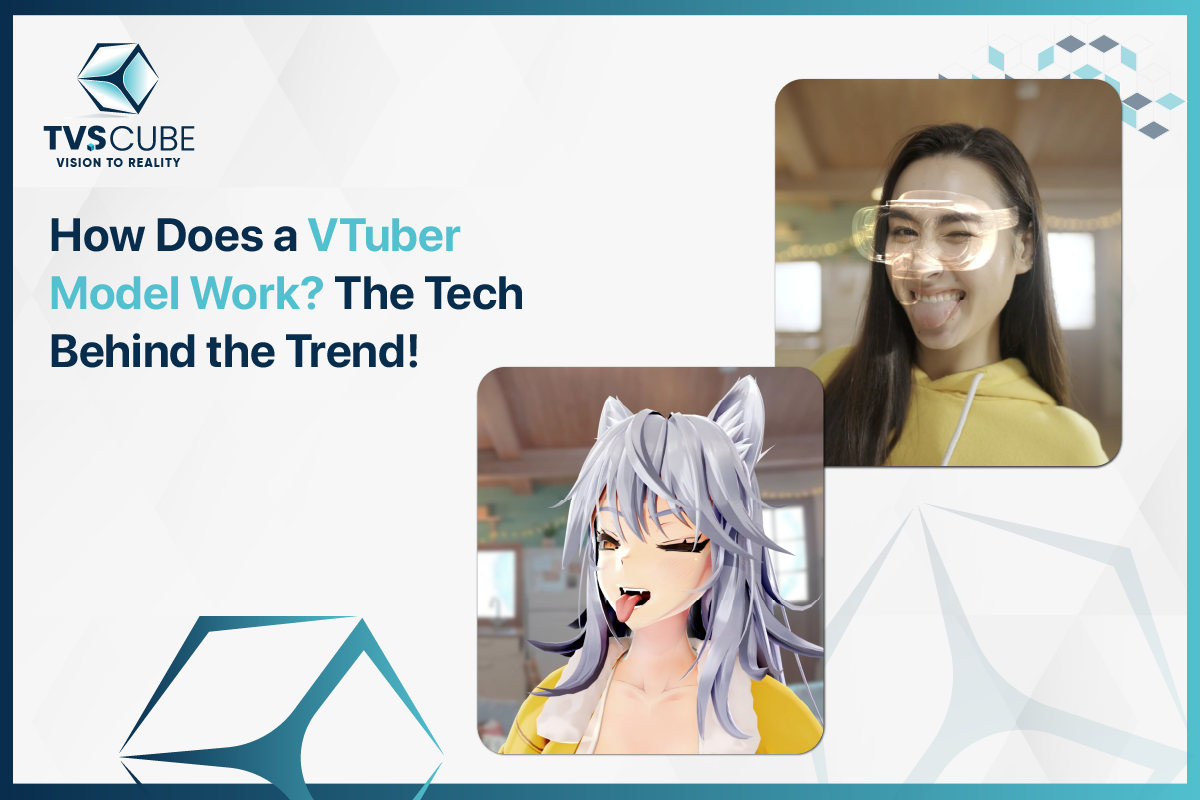
From anime-style avatars to live streaming, VTuber models are now arguably the most thrilling digital creation in the entertainment industry. A grassroots phenomenon in Japan has gone international and is putting technology, storytelling, and personality into one virtual package. But beneath all those smiles and smooth movements there is a strict formula of software, motion capture, and imagination.
Let’s dig deep into what a VTuber model is, from virtual ground zero to the cutting-edge technology it takes to animate these avatars.
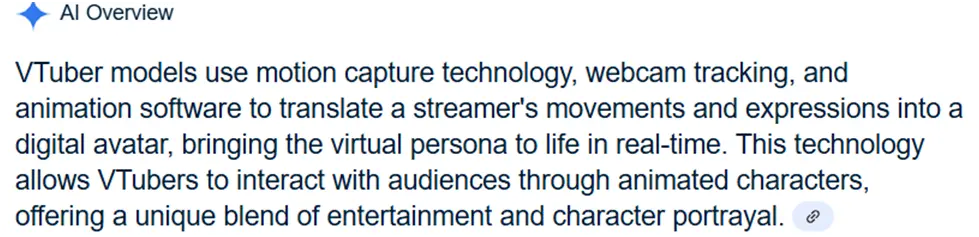
The Virtual Revolution — What Is a VTuber Model?
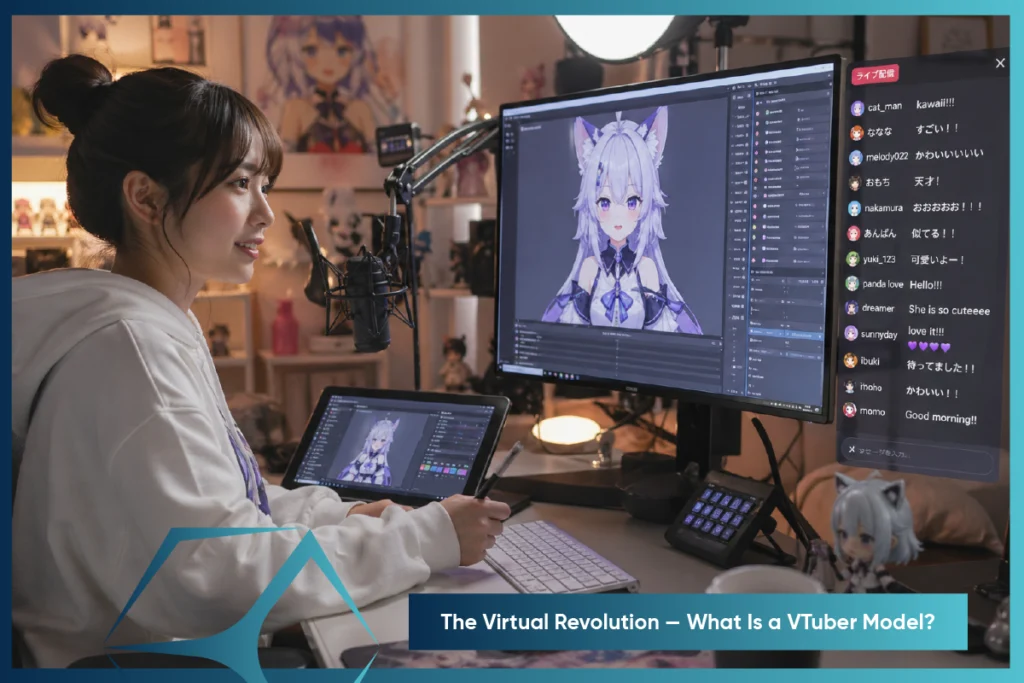
VTuber model refers to a 2D or 3D anime character avatar that mimics the voice, face, and body of an individual in real-time. Content creators can interact with audiences without showing up on screen and be fully creative.
From Pixels to Personality — Understanding VTuber Models
A VTuber model is a digital avatar animated with motion capture and rigging, showcasing expressions and gestures that reflect the creator’s personality.
2D vs 3D VTuber Models — What Sets Them Apart?
- 2D VTuber model: Made with illustrations and rigged in Live2D, these models are affordable and easy to animate.
- 3D VTuber model: Developed with 3D computer software such as VRoid Studio, the models provide full-body action, depth, and motion pose.
The decision between the two will be based on the budget of the creator, brand’s style, and how much interaction they want with their audience.

2D Or 3D Animation
Want To Stand Out Online With 2D Or 3D Animation?
Anatomy of a VTuber Model — Breaking Down the Components
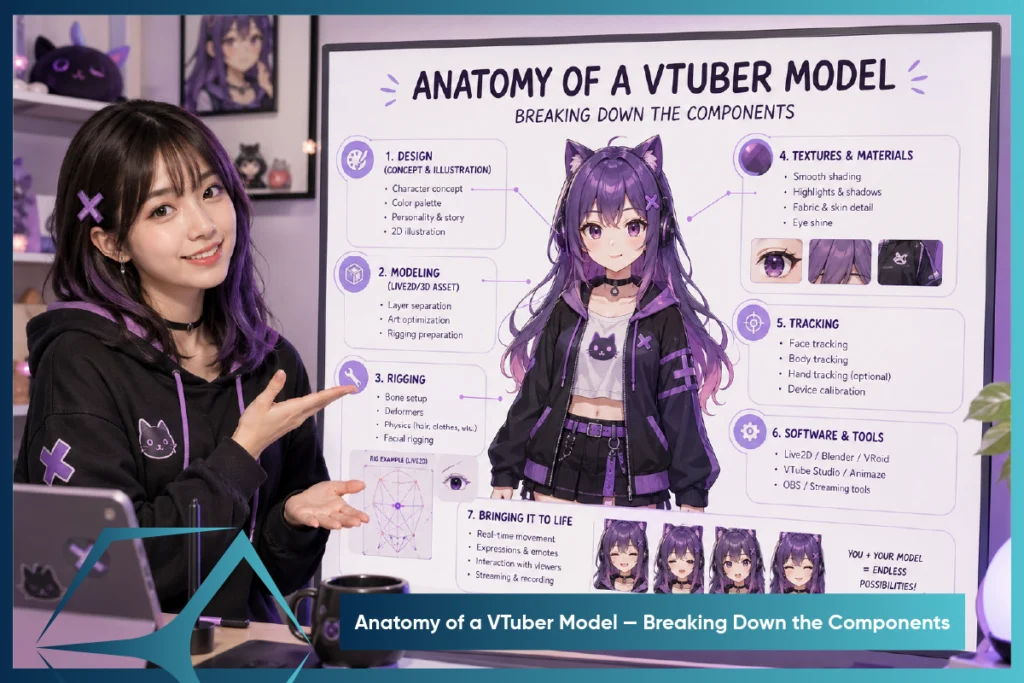
Ever wondered how VTuber avatars move or smile on cue? It’s not just animation — it’s a blend of tech that powers every 2D or 3D model. Let’s break it down.
The Art of Rigging — Bringing Avatars to Life
Rigging adds “bones” to your VTuber model—mapping 2D parts or building full 3D skeletons for lifelike, flexible motion.
Motion Capture Magic — Tracking Every Move
Motion capture captures real motion and synchronizes it with the VTuber avatar, from hand gestures to slight facial expressions, so that the character looks alive.
Facial Recognition Technology Explained
Facial tracking employs webcams or Face ID to track expressions onto VTuber avatars, providing naturalistic responses and emotionally rich reactions.
Full-Body Motion Tracking: Beyond the Face
Full-body VTuber avatars utilize mocap suits or trackers to record full-body motion, producing life like motion such as dancing and emotive gestures.
Real-Time Rendering — The Engine Powering Your Avatar
Rendering engines like Unity transform motion and rigging data into smooth, real-time animations, making VTuber avatars look fluid and expressive without lag.
Syncing the Voice — Lip Movement and Audio Harmony
Voice sync matches your speech to your VTuber’s mouth movements in real time. Tools like VSeeFace or Luppet handle the sync, with advanced setups even capturing emotions through voice tone.
VTuber Model Tvs Cube
Need A Custom VTuber Model? Tvs Cube Delivers!
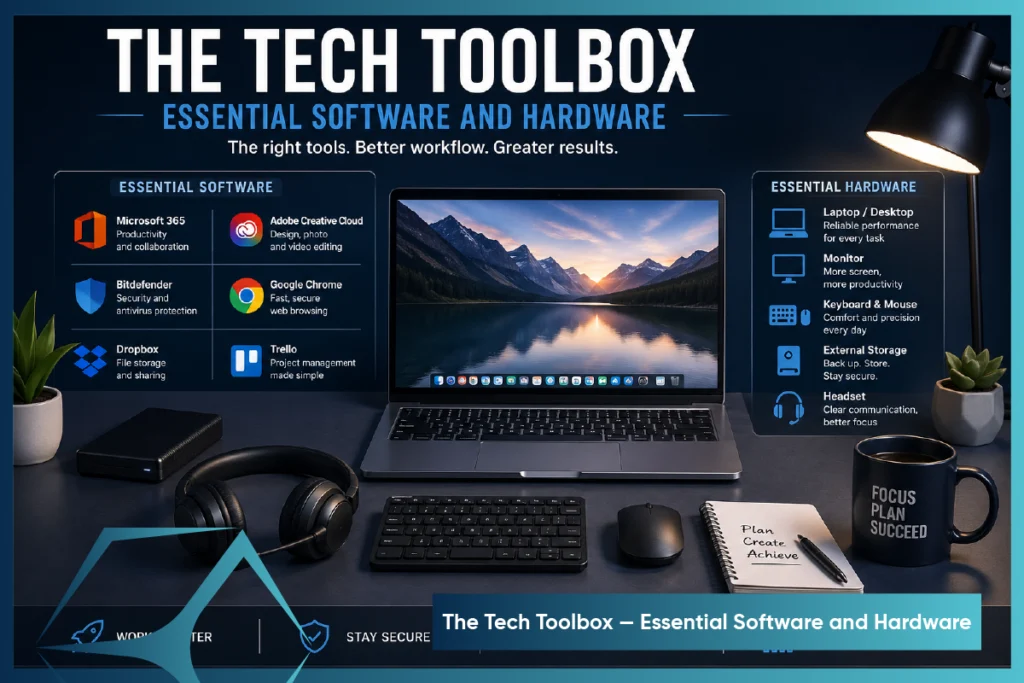
The Tech Toolbox — Essential Software and Hardware
Building a VTuber model is technology and art merged. Tools such as VRoid Studio, motion capture, and face tracking animate your avatar with movement, facial expressions, and voice syncing. Here’s what you need to begin your VTuber journey.
Live 2D Cubism — Breathing Motion into 2D Art
Live2D Cubism animates how to make VTuber model 2D avatars by adding motion to eyes, mouth, and more. Paired with VTube Studio, it uses webcam or iPhone tracking to bring drawings to life.
VRoid Studio and Beyond — Crafting 3D Avatars with Ease
VRoid Studio makes 3D VTuber model creation easy—no 3D skills needed. Customize features, export as .VRM, and use tools like VSeeFace or Luppet.
Mocap Tools That Make It Possible — VSeeFace, Luppet, and More
Motion capture (mocap) is what allows your avatar to mimic your movements — and several tools specialize in this:
- VSeeFace (free): Offers excellent face tracking, gesture control, and Leap Motion hand tracking support.
- Luppet (paid): Combines webcam facial tracking and Leap Motion for smooth hand gestures — widely used by Japanese VTubers.
- VCFace: Great for .VRM models and works well with VR devices and motion tracking hardware.
These tools read your expressions and gestures, then translate them to your avatar in real time — creating that magical, lifelike interaction fans love.
Streaming Setup — Integrating Your VTuber Model with OBS and Platforms
Once your model is animated and responsive, it’s time to go live. Here’s what you need:
- OBS Studio (Open Broadcaster Software) is open-source software that records your VTuber avatar and applies overlays, cautions, and backgrounds for high-definition streams.
- Virtual Camera Plugin: Allows you to integrate your VTuber model into Zoom, Discord, or any software that will accept webcam input.
- Audio Interface/Microphone: A snappy voice is a must — a USB microphone or XLR configuration ensures crisp sound to keep up with your animated lips.
- Green Screen/Transparent Background Setup: Most VTubers use transparent avatars over a game or backdrop, making OBS layering important.
Pair these tools with platforms like Twitch, YouTube, or Kick, and you’re all set to stream as your virtual self.
Behind the Scenes — How Motion Data Transforms Into Lifelike Animation
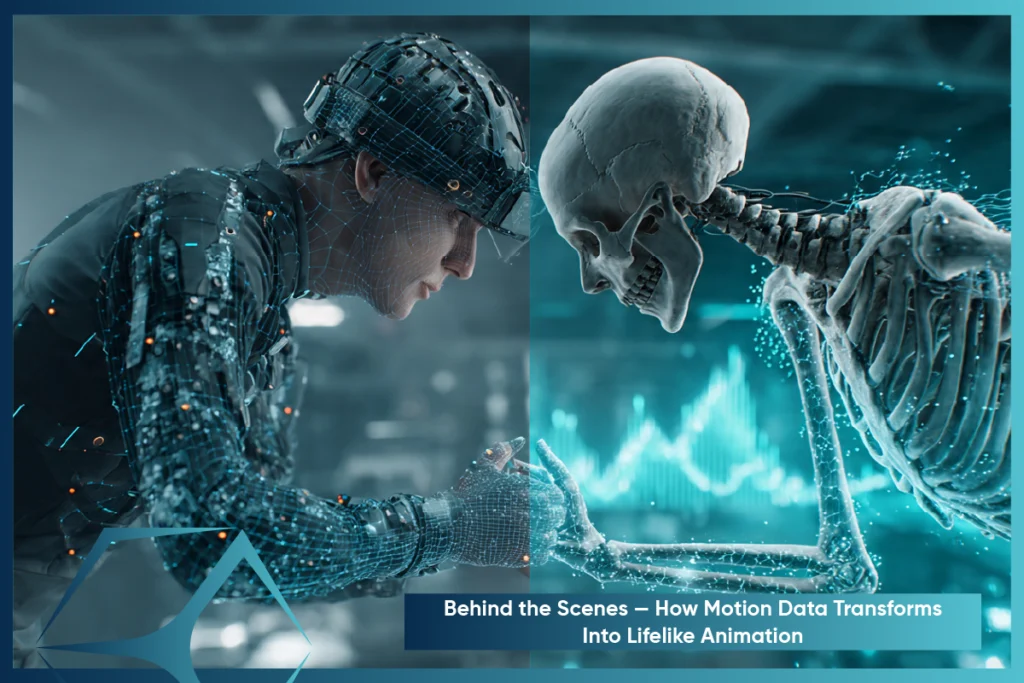
How much does a VTuber model avatar blinks, nods, or waves like its creator? The secret lies in motion data—captured through tracking tools, processed in real time, and mapped onto the avatar. It’s this tech trio that brings virtual characters to life.
The Process of Capturing and Mapping Movement
It begins with motion capture — or “mocap” — through webcam, iPhone, or external sensors such as Leap Motion and VR trackers. Here’s the brief rundown:
- Capture:Software (e.g., VSeeFace, VTube Studio) captures your face expressions and body language using camera or sensors
- Data Processing: This raw input is translated into parameters like eye direction, mouth openness, body rotation, etc.
- Mapping: The software maps those values to your model’s “rigged” parts. So when you smile, the avatar’s mouth curve adjusts in sync.
Each movement — whether a blink or a wave — links to a specific node in the avatar model. Real-time mapping syncs your actions with the avatar, making its responses feel smooth and lifelike to viewers.
Overcoming Challenges — Latency, Tracking Errors, and Fixes
Even with great tech, motion tracking isn’t flawless. Common challenges include:
- Latency: Delays between your action and the model’s reaction.
- Jittering: Shaky or erratic movements caused by unstable tracking.
- Mistracking: Wrong expressions or actions due to poor lighting or camera angles.
Solutions include:
- Using high-resolution webcams or iPhones with ARKit face tracking for better precision.
- Ensuring good lighting and a clean background to minimize confusion.
- Adjusting motion smoothing or delay settings in software like VSeeFace to reduce jitter.
Some VTubers even use hotkeys or toggle switches to trigger expressions or animations, ensuring reliability when facial tracking isn’t enough.
Enhancing Realism — Adding Personality with Custom Animations
A big part of what makes VTubers unique is their expressiveness and charm — and that’s where custom animations come in.
These can include:
- Idle animations: Breathing, blinking, tail wagging, etc.
- Triggered actions: Waving, jumping, laughing — activated via hotkeys or voice commands.
- Emote reactions: Like blushing, crying, or showing stars in the eyes.
Movements made in Unity, Blender, or Live2D paired with motion capture bring avatars to life — both visually and emotionally.
The Creative Playground — How VTubers Use Technology to Tell Stories
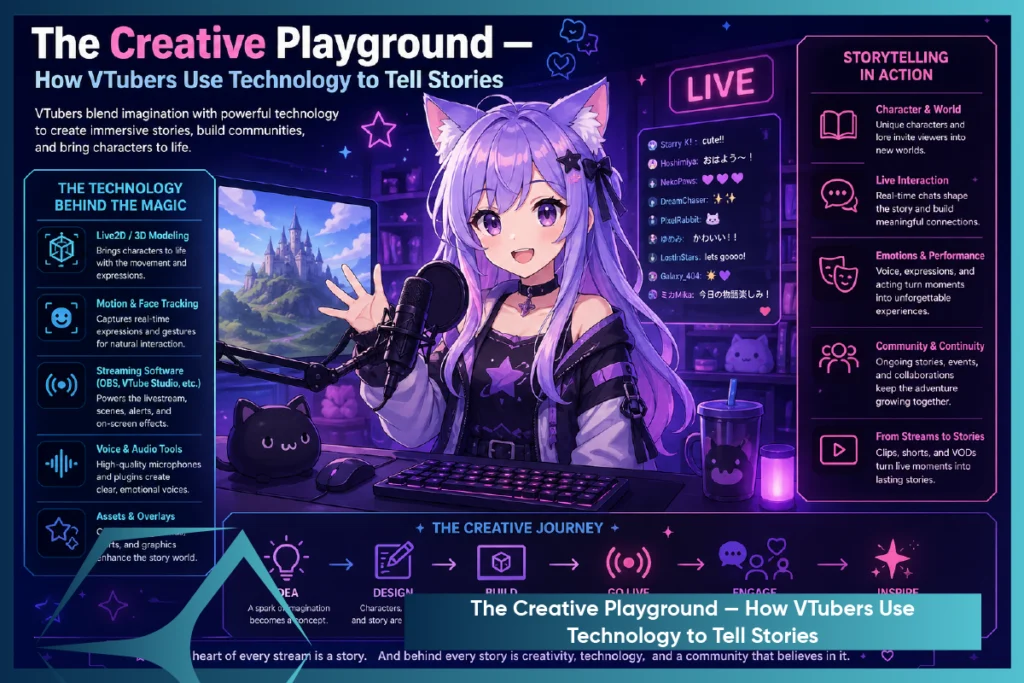
VTubing is more than looking cute — it’s storytelling reimagined. With motion tracking and voice effects, creators make virtual personas feel real, emotional, and interactive.
Expressing Emotion Without a Face: The Power of Avatar Interaction
Unlike traditional streamers, VTubers don’t rely on their real faces — but that doesn’t mean they’re expressionless.
Through:
- Face tracking (smiles, frowns, eye movements).
- Custom emotes and animations (like blushes, sweat drops, or angry symbols).
- Dynamic gestures (like waving or head tilts).
VTubers use anime-inspired graphics and Live2D features to evoke affective responses and provide emotional richness and depth to their narrative.
The Role of Voice Modulation in Character Creation
Your voice is one of the most powerful tools in building a VTuber persona.
Many VTubers use voice changers or modulation software like:
- Voicemod
- Clownfish
- VoiceMeeter Banana
This allows creators to:
- Match a high-pitched, cutesy voice with a chibi character.
- Deepen their tone for a villainous or fantasy role.
- Play with robotic or monster effects for sci-fi personas.
Voice modulation boosts the avatar’s personality, matching its tone and style to enhance realism and immersion..
Engaging Audiences with Real-Time Chat and Avatar Responses
Interactivity is at the heart of the VTubing experience.
By integrating their model with platforms like Twitch, YouTube, or Kick, VTubers can:
- React instantly to chat messages.
- Trigger model reactions (like blushing or shocked faces) using chatbot commands.
- Respond with custom animations tied to viewer tips, comments, or subs.
Real-time interaction turns viewers into active participants. With AI chatbots and voice assistants, VTubers create immersive, interactive storylines.
The Future of VTubing — Emerging Tech and What’s Next
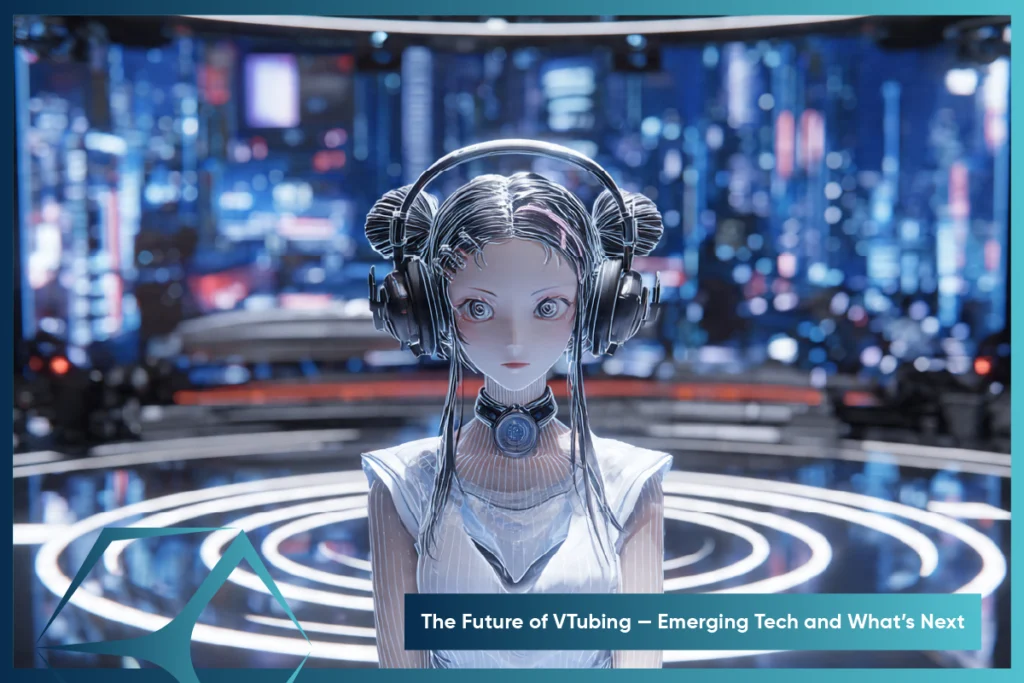
VTubing’s future is immersive and tech-driven — think AI avatars and full-body haptics shaping the next-gen virtual creators.
AI-Powered VTubers: Autonomous Avatars on the Horizon
Imagine a VTuber that responds to chat, tells stories, and even creates content — all on its own.
That’s the direction AI-powered VTubers are heading. Leveraging tools like:
- Generative AI (for dialogue, reactions, or even voices).
- AI motion synthesis (for natural gestures and facial expressions).
- Voice AI (for maintaining a consistent character tone).
AI VTuber avatars enable 24/7 streams and virtual roles, easing creator burnout and boosting content scalability — without losing human charm.
Mixed Reality and Haptics: Making Virtual Feel Physical
What if you could feel a virtual hug from your favorite VTuber or physically walk around a virtual stage?
Emerging technologies include:
- Mixed Reality headsets (Meta Quest, Apple Vision Pro).
- Full-body haptics and gloves.
- Haptic feedback-enabled motion capture suits are merging digital and physical realities.
These technologies have the ability to empower creators to play inside a 3D world, where the consumer can engage in an AR/VR-enabled manner and view the content as if they were physically there.
2D & 3D VTuber
2D & 3D VTuber Avatars with Advanced MR Features
Community and Collaboration: The Social Side of VTubing
VTubing has always thrived in the community — but the future will push collaboration even further.
Expect to see:
- Cross-platform virtual collabs (VTubers from Twitch, TikTok, and YouTube sharing the same virtual stage).
- Metaverse-style hangouts where fans can interact with avatars in real-time.
- Shared story universes where multiple VTubers play characters in a connected narrative.
As tools become more accessible, VTubing is shifting from solo streams to shared virtual experiences. While technology advances, human connection stays at its heart.
Getting Started — How You Can Create Your Own VTuber Model
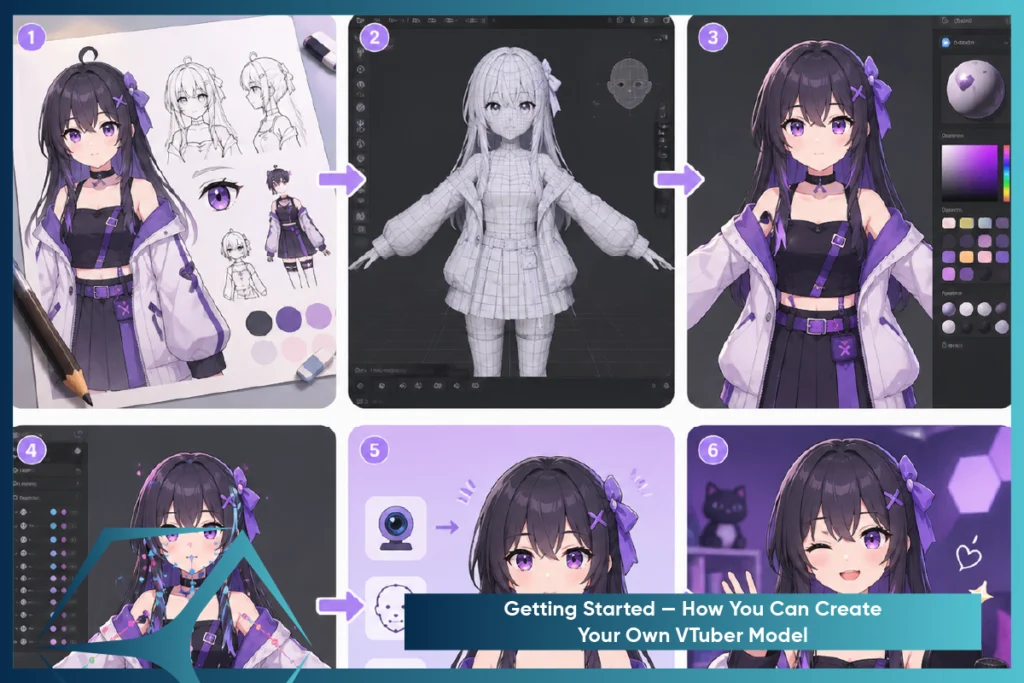
Want to become a VTuber? With the right tools and smart planning, anyone can start — even on a budget. Here’s what to know before diving in.
Choosing Between 2D and 3D: Which Is Right for You?
Your first big decision: 2D or 3D model?
2D VTubers (Live2D)
These are anime-style avatars made from layered illustrations rigged to move. Perfect for:
- Streamers who want a stylized, expressive look.
- Those who prefer face-cam style setup.
- Lower hardware requirements.
3D VTubers (VRM/VRoid)
Full-body avatars that exist in three dimensions. Best for:
- Users who want to move freely, dance, or use body tracking.
- Creating dynamic poses and environments.
- Content beyond just streaming — like short films or virtual concerts.
Pro Tip: If you’re just starting out, try a free VRoid Studio 3D model, then explore Live2D if you prefer a 2D style. Many VTubers experiment with both.
TVS Cube offers professional 2D and 3D VTuber animation services, helping creators develop polished avatars from scratch.
Budget-Friendly Tools for Beginners
You don’t need a massive investment to start VTubing. Here are some free or low-cost tools to kick off your journey:
- VRoid Studio (Free): Create customizable 3D avatars — hair, face, outfit, everything.
- VSeeFace (Free): Facial tracking software that works great with webcams.
- Animaze by FaceRig (Freemium): Beginner-friendly for 2D avatars.
- OBS Studio (Free): For streaming and integrating your avatar on platforms.
- iPhone + VTube Studio(Premium quality 2D tracking): Costly but offers best facial tracking if you have a compatible phone.
Many VTubers start with a webcam and mic, gradually upgrading as their channel grows. It’s about consistency, not perfection on day one.
Tips for Commissioning Custom VTuber Models
When you’re ready to level up with a custom model, here’s how to make the most of your commission:
- Plan your character in detail: Personality, outfits, color schemes, expressions.
- Look for artist-riggers combos: Some offer full model creation + rigging for smoother animation.
- Check portfolios and reviews: Always verify the artist’s style aligns with your vision.
- Communicate your streaming goals: Will you be using full-body motion? Need toggle expressions? Want hand tracking?
Bonus Tip: Use platforms like Skeb, Twitter, Fiverr, or Discord servers for finding professional VTuber artists. Establish your budget and deadline in advance to avoid delays.
The End Note — The Tech That Turns Creators into Virtual Stars
VTubing is a technological breakthrough that fuses imagination and technology to create virtual avatars. With software such as Live2D Cubism and VRoid Studio, producers break free of the limitations of the physical world through motion capture and voice manipulation. As artificial intelligence and mixed reality continue to advance, real and virtual will collide, and new possibilities emerge. VTubing is, in essence, all about expression—anyone with imagination and the proper gear can become a virtual star. TVS Cube helps creators turn ideas into animated, interactive VTuber personas—whether you’re going 2D, 3D, or full AI.
Read Also : Top Animation Studios in New York City – 2025
References
Vtuberart: What Is A VTuber? Everything You Need To Know
Scribd: The-Technology-Behind-Vtubing-by-Sree-Harsha
Respeecher: VTubers: The Rise of Synthetic Media in Entertainment